The GIS software landscape in 2026 looks radically different from just a few years ago. Cloud-native platforms have caught up with—and in many cases surpassed—traditional desktop applications. Real-time collaboration, AI-powered analysis, and browser-based workflows are no longer nice-to-haves; they're expected.
Whether you're an urban planner mapping infrastructure, a business analyst visualizing market territories, or a researcher studying environmental patterns, choosing the right GIS software matters. The wrong choice means clunky workflows, collaboration friction, and wasted time wrestling with outdated interfaces.
Here's our comprehensive guide to the best GIS software available in 2026, covering everything from powerful enterprise solutions to accessible free tools.
1. Atlas
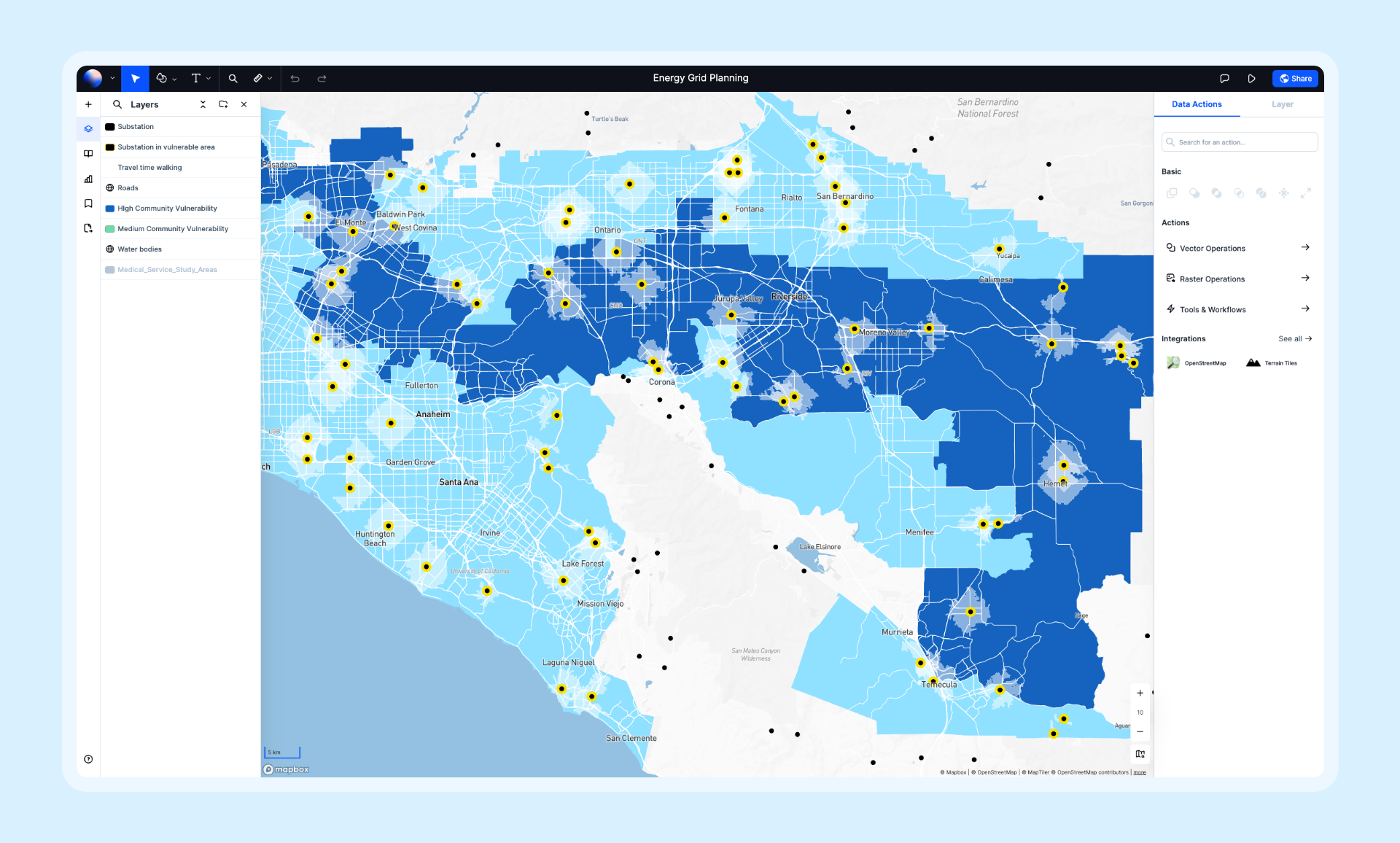
Atlas is a modern, cloud-native GIS platform built for speed and collaboration. It combines powerful spatial analysis with an intuitive interface that teams can learn in minutes, not months. With real-time collaboration, AI-powered insights, and zero installation required, Atlas represents the new generation of GIS software.
- Features: Real-time collaboration, AI-powered spatial analysis, data visualization, map composition, workflow automation, 50+ spatial operations, and seamless data import from dozens of formats.
- Best For: Teams that need fast, collaborative mapping without the overhead of traditional GIS.
- Pros: Blazing fast performance, ships new features weekly, beautiful interface, works entirely in the browser.
- Cons: Newer platform with a growing feature set; some niche scientific analyses still in development.
- Pricing: Free tier available, Pro plans from $29/month.
- Website: Atlas
2. Esri ArcGIS Pro
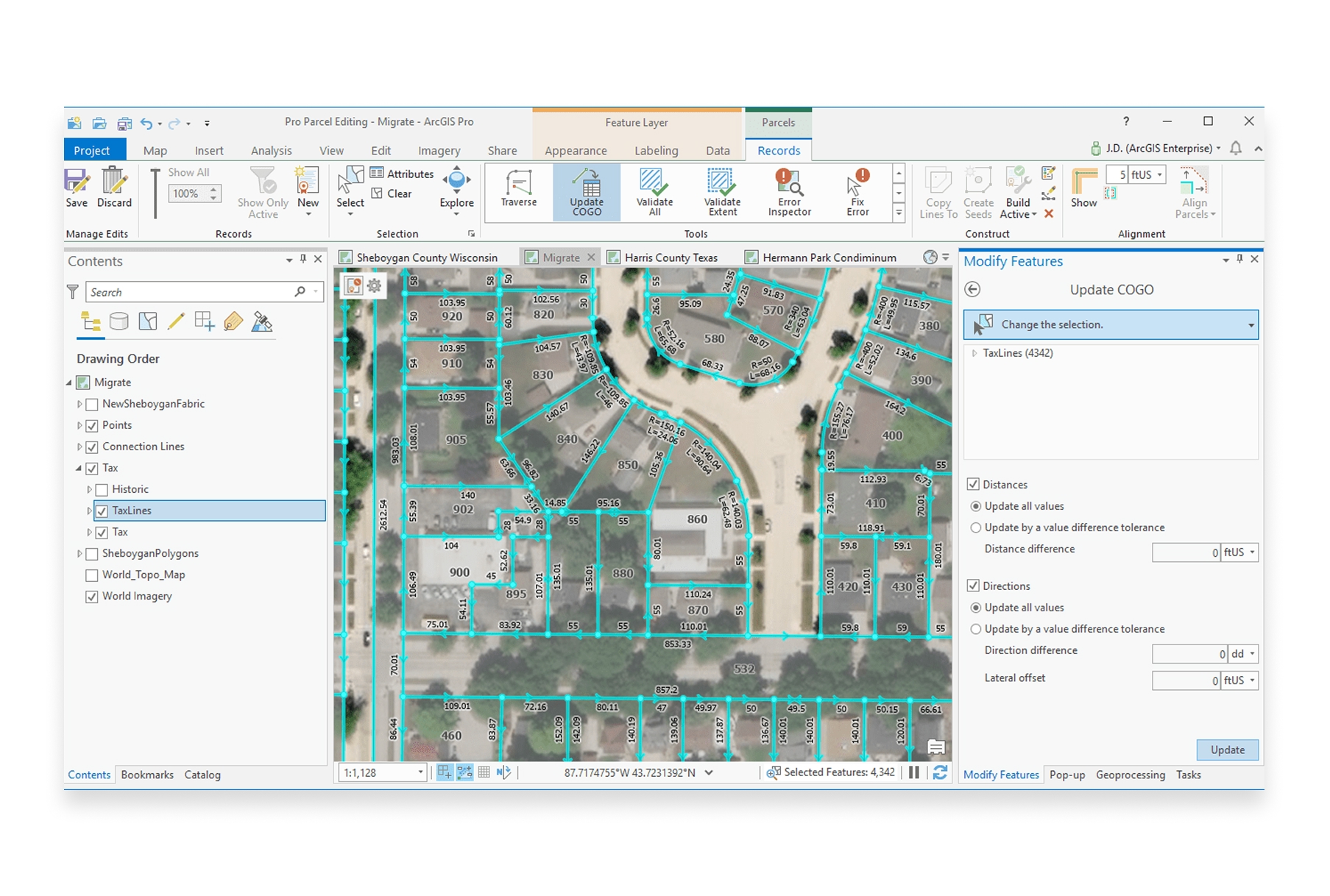
ArcGIS Pro is Esri's flagship desktop GIS application and the industry standard for enterprise geospatial work. It offers the deepest feature set of any GIS software, with thousands of tools for analysis, cartography, and data management.
- Features: Comprehensive spatial analysis, 3D visualization, geoprocessing, enterprise geodatabase support, Python scripting, and integration with ArcGIS Online.
- Best For: Large organizations with complex GIS requirements and dedicated GIS professionals.
- Pros: Most comprehensive toolset available, strong enterprise support, extensive documentation and training resources.
- Cons: Expensive licensing, steep learning curve, requires significant hardware resources, desktop-only.
- Pricing: From $100/month (Basic) to $700+/month (Advanced).
- Website: ArcGIS Pro
3. QGIS
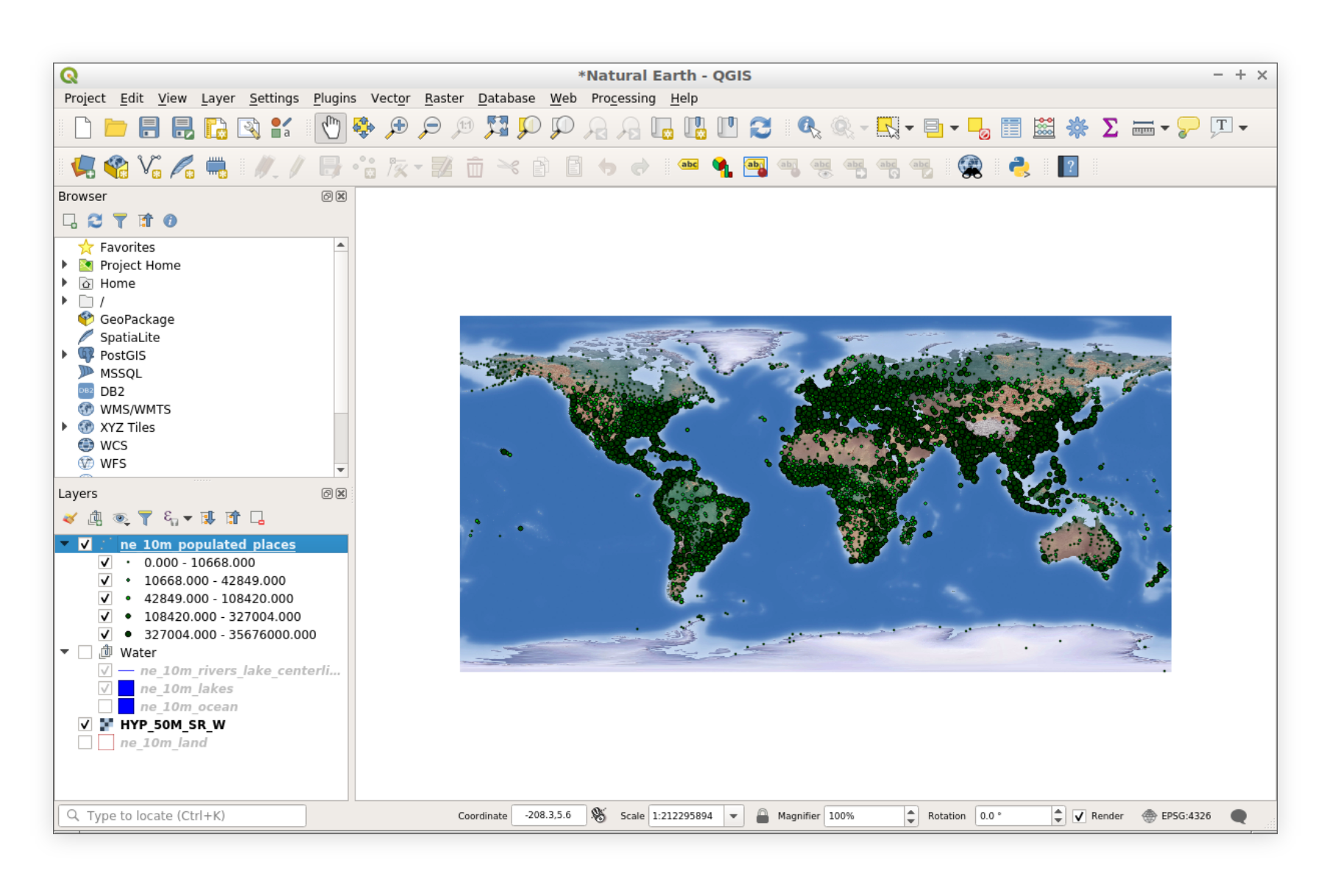
QGIS remains the gold standard for free, open-source GIS software. With an incredibly active community and thousands of plugins, QGIS can handle virtually any GIS task—from simple mapping to complex spatial modeling.
- Features: Full-featured desktop GIS, plugin ecosystem, Python scripting, print composer, database connectivity, and support for virtually every spatial data format.
- Best For: Users who need powerful desktop GIS without licensing costs, and organizations comfortable with open-source software.
- Pros: Completely free, highly extensible, massive community support, regular updates, cross-platform.
- Cons: Steeper learning curve, inconsistent UI, collaboration requires file sharing, no real-time collaboration.
- Pricing: Free and open-source.
- Website: QGIS
4. Mapbox
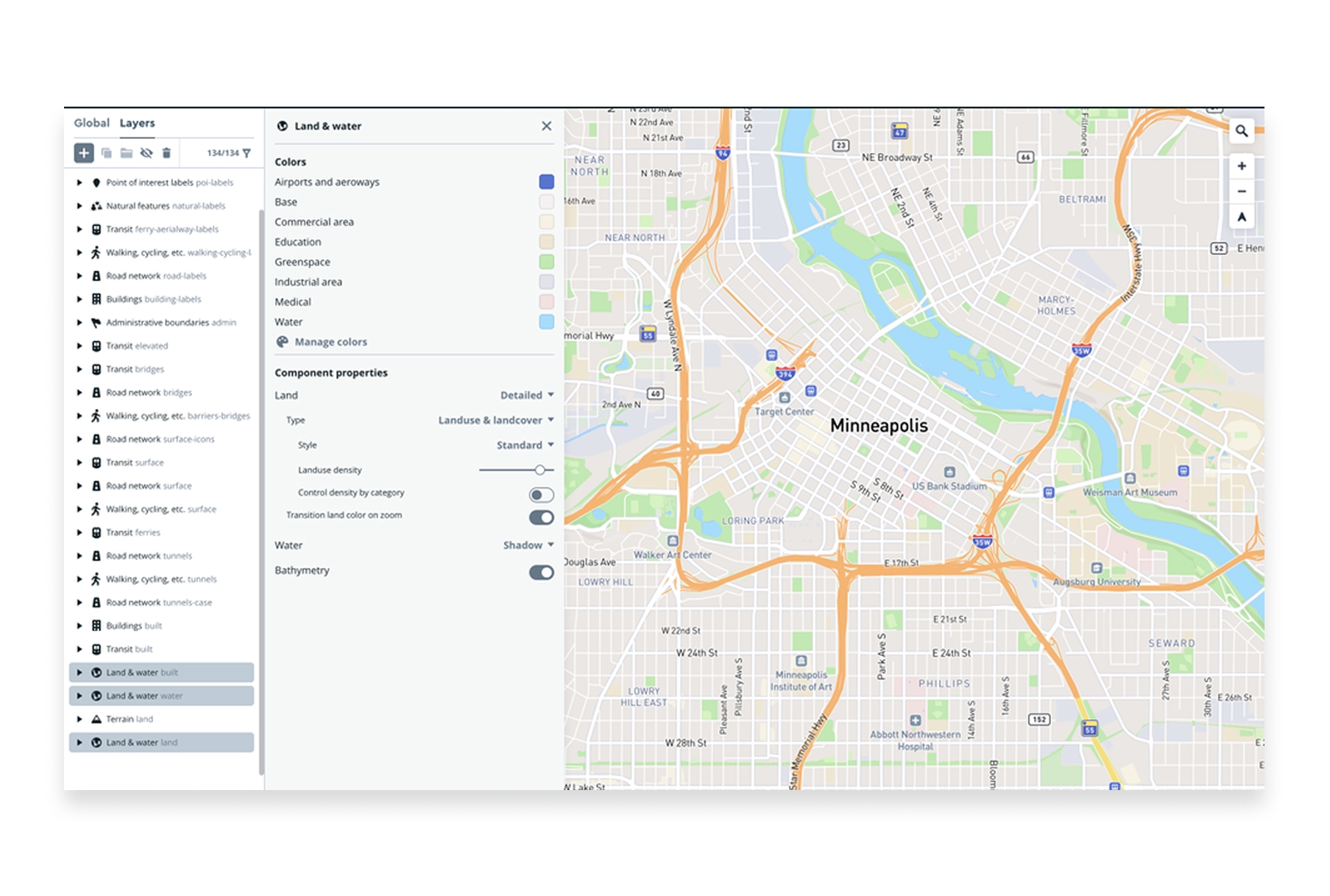
Mapbox is a developer-focused mapping platform known for beautiful custom map styles and robust APIs. It powers location features in thousands of apps, from Strava to The New York Times.
- Features: Custom map styling, geocoding, navigation APIs, satellite imagery, real-time data visualization, mobile SDKs, and developer tools.
- Best For: Developers building location-powered applications and organizations needing custom web maps.
- Pros: Stunning map aesthetics, excellent developer experience, powerful APIs, handles massive scale.
- Cons: Requires development skills, usage-based pricing can get expensive at scale, limited out-of-the-box analysis.
- Pricing: Free tier available, pay-as-you-go pricing based on usage.
- Website: Mapbox
5. Google Earth Engine
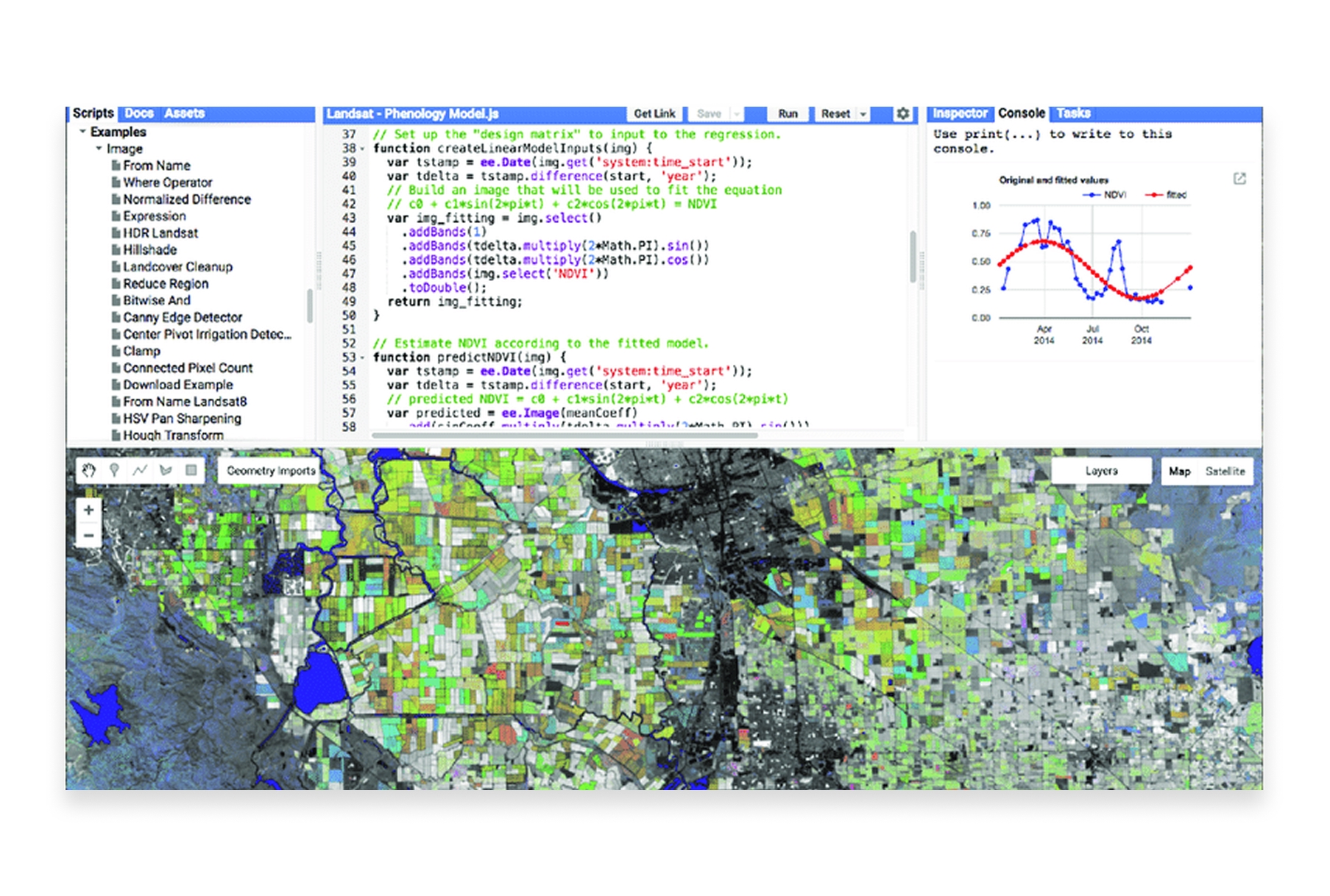
Google Earth Engine is a cloud platform for planetary-scale geospatial analysis. It combines a multi-petabyte catalog of satellite imagery with Google's computational infrastructure for environmental monitoring and earth science research.
- Features: Massive satellite imagery archive, cloud computing for analysis, JavaScript and Python APIs, time-series analysis, machine learning integration.
- Best For: Researchers, scientists, and organizations analyzing environmental change at global scales.
- Pros: Unmatched data catalog, free for research and education, handles planet-scale analysis, powerful cloud computing.
- Cons: Requires programming skills, commercial use requires licensing, learning curve for the API.
- Pricing: Free for research, education, and non-profit use. Commercial licensing available.
- Website: Google Earth Engine
6. Kepler.gl
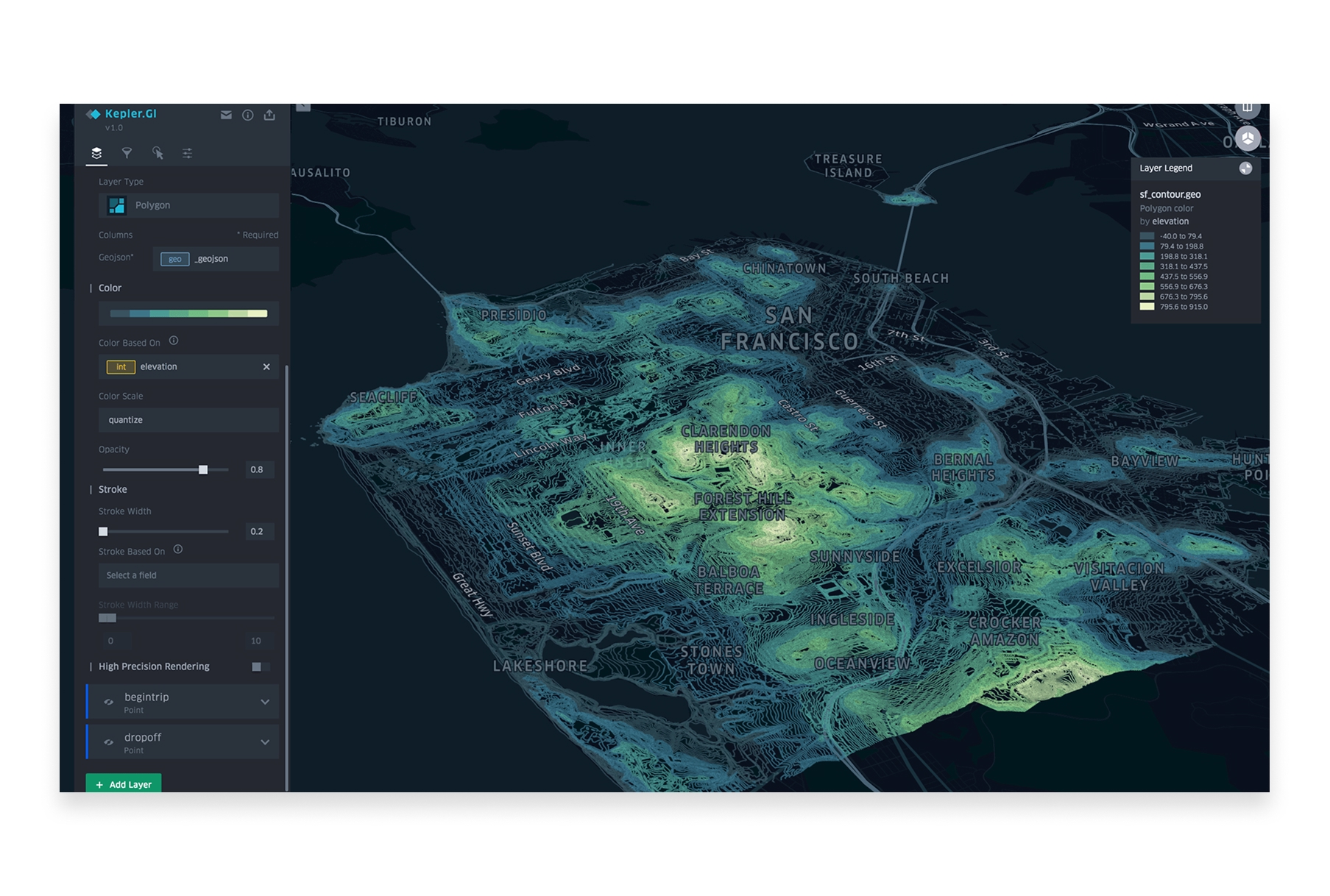
Kepler.gl is an open-source geospatial visualization tool developed by Uber. It excels at creating beautiful, high-performance visualizations of large datasets directly in your browser.
- Features: Large dataset visualization (millions of points), time-series animations, 3D views, multiple layer types, filtering, aggregation, and export.
- Best For: Data scientists and analysts who need to visualize and explore large spatial datasets quickly.
- Pros: Completely free, handles massive datasets, stunning visualizations, no installation required, open-source.
- Cons: Visualization-focused (limited analysis), no data storage, requires technical comfort.
- Pricing: Free and open-source.
- Website: Kepler.gl
7. Carto
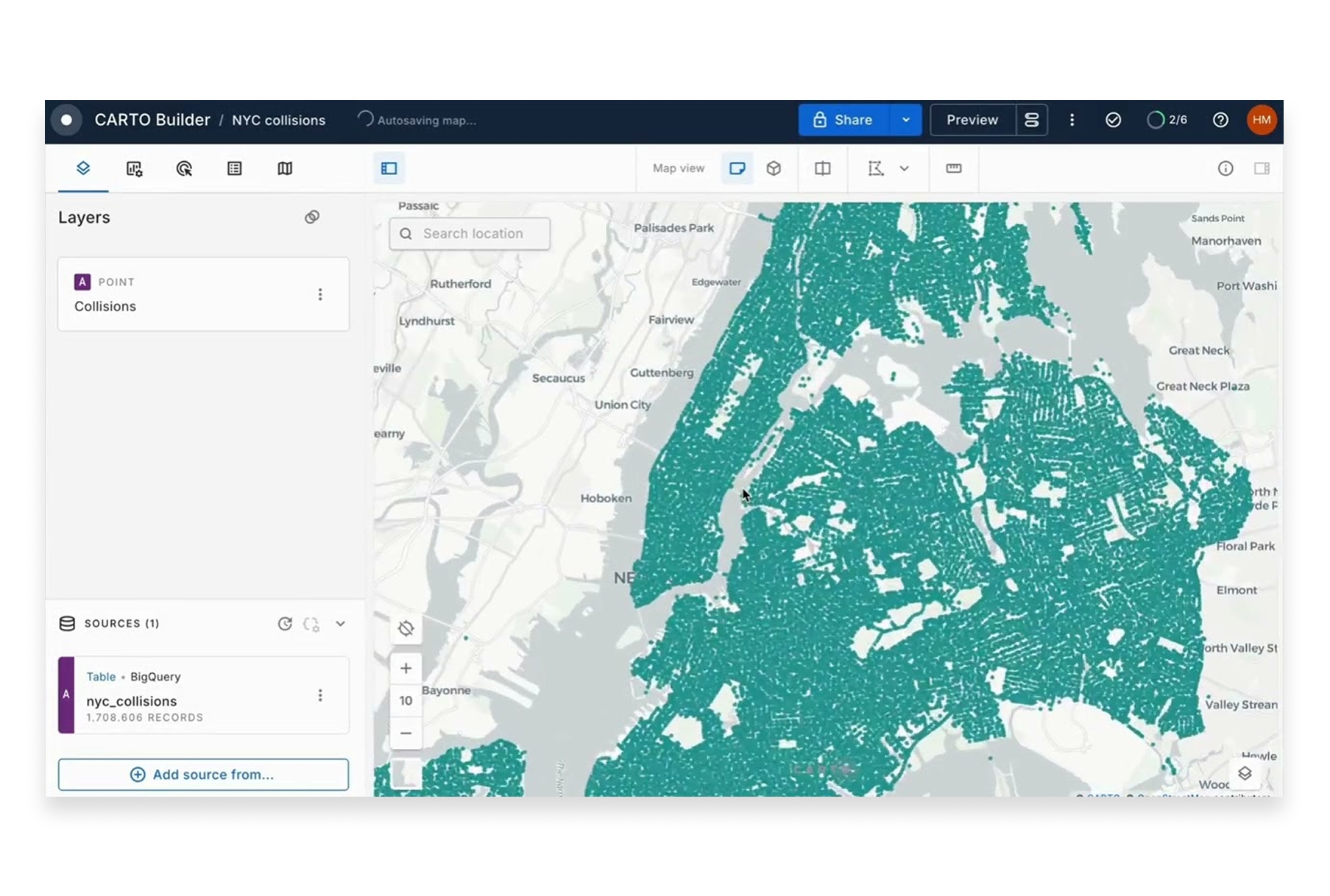
Carto is a cloud-native spatial analytics platform designed for business users. It specializes in location intelligence for retail, real estate, logistics, and marketing use cases.
- Features: Spatial analytics, demographic data integration, site selection tools, territory management, data observatory, and workflow automation.
- Best For: Business teams needing location intelligence without deep GIS expertise.
- Pros: Business-focused tools, integrated data sources, good visualization, cloud-native.
- Cons: Can be expensive, some features require SQL knowledge, limited free tier.
- Pricing: Custom pricing, typically $10,000+/year for teams.
- Website: Carto
8. GRASS GIS
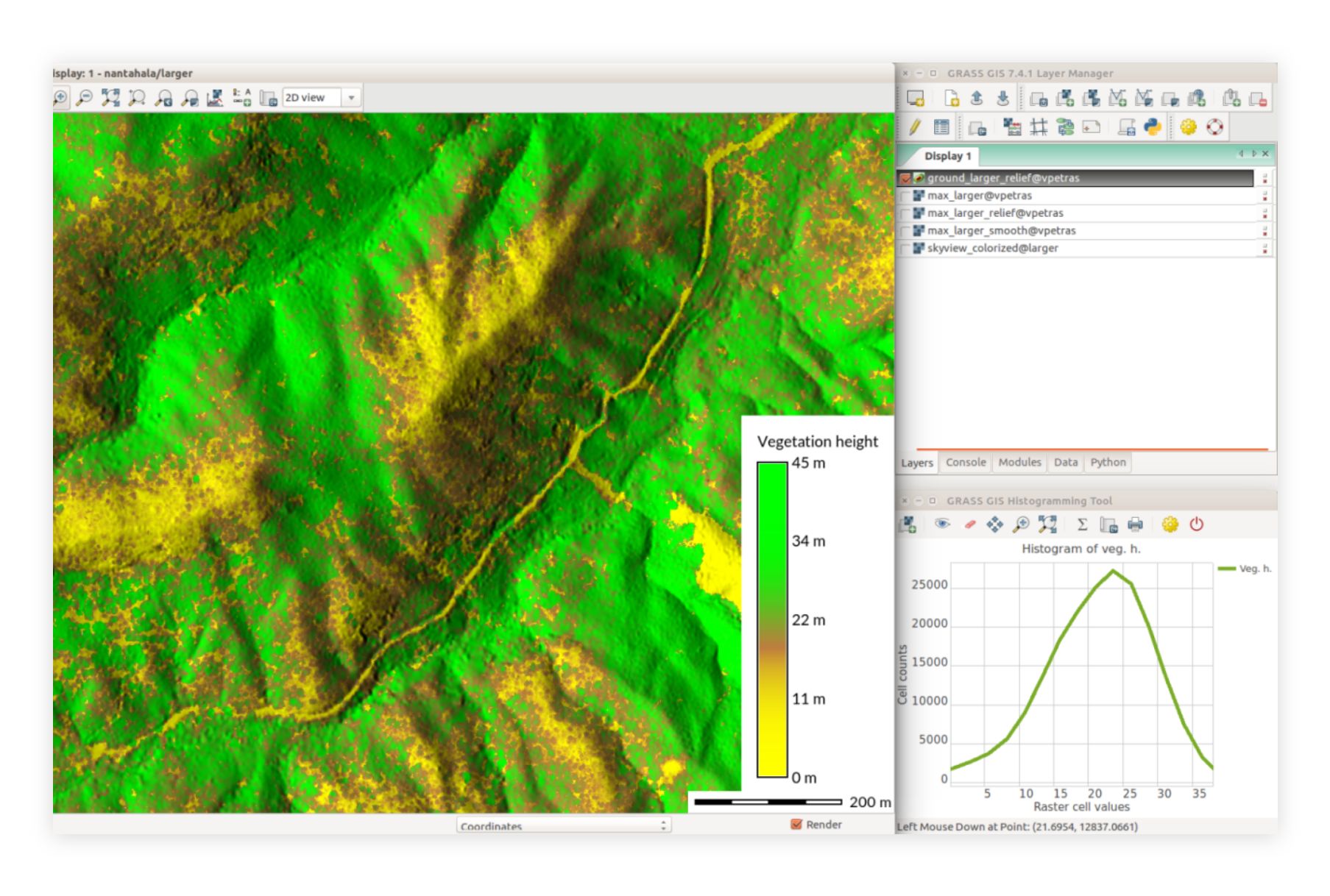
GRASS GIS (Geographic Resources Analysis Support System) is a powerful open-source GIS suite used for geospatial data management, image processing, and spatial modeling—particularly strong in scientific and research applications.
- Features: Advanced geostatistical analysis, raster and vector processing, temporal data support, 3D visualization, hydrological modeling, and remote sensing tools.
- Best For: Researchers and scientists needing advanced analytical capabilities for academic or environmental work.
- Pros: Extremely powerful analytics, great for large datasets, strong scientific community, completely free.
- Cons: Steep learning curve, dated interface, requires significant expertise.
- Pricing: Free and open-source.
- Website: GRASS GIS
9. Google Earth Pro
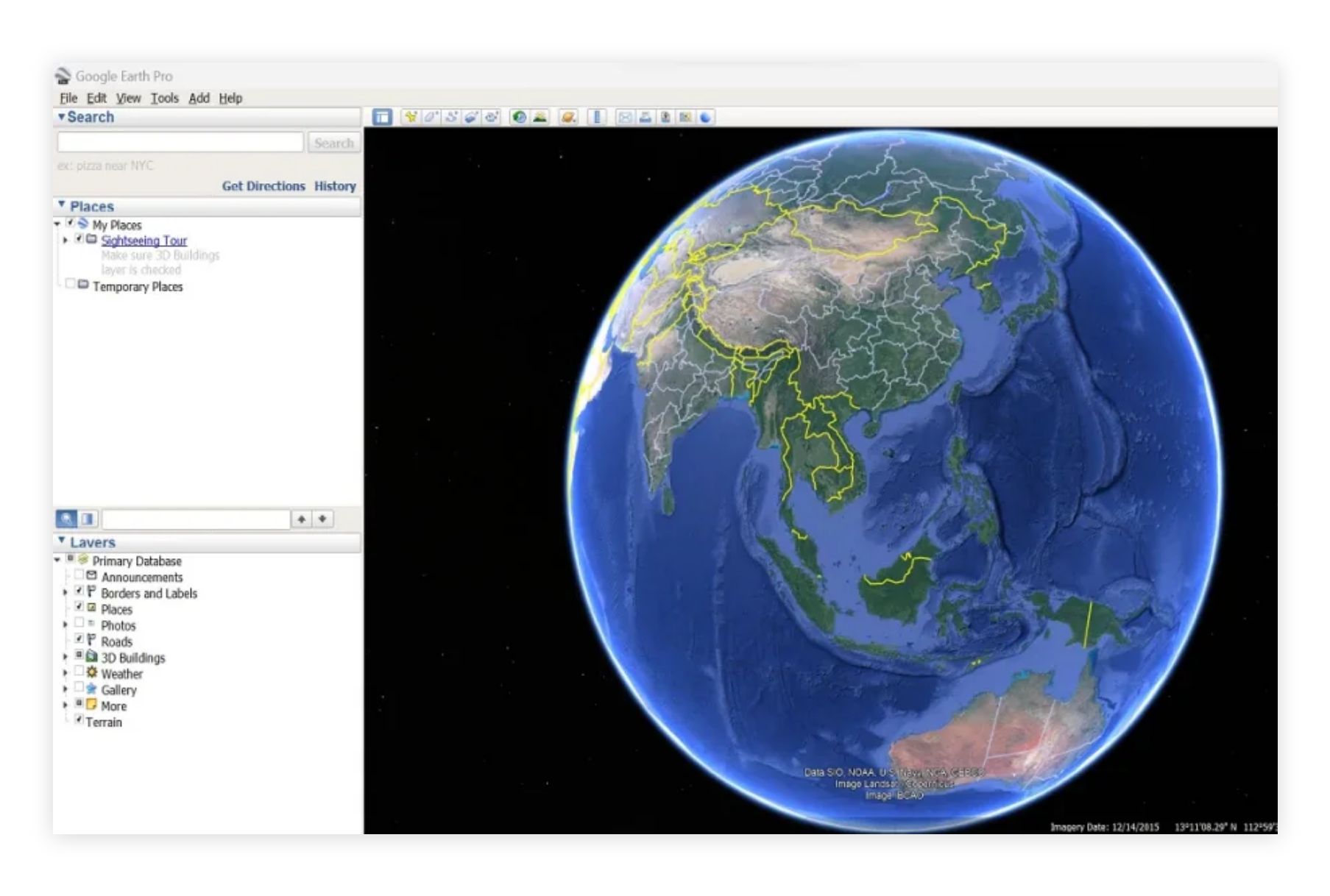
Google Earth Pro offers advanced visualization features for free. It's excellent for exploring geographic data, creating tours, and basic mapping tasks with Google's rich imagery.
- Features: High-resolution satellite imagery, 3D building visualization, historical imagery, measurement tools, KML import/export, movie creation.
- Best For: Visualization, presentations, and exploring geographic areas with rich satellite imagery.
- Pros: Free, user-friendly, stunning imagery, widely recognized, great for presentations.
- Cons: Limited analytical capabilities, not a full GIS, can't handle complex spatial data workflows.
- Pricing: Free.
- Website: Google Earth Pro
10. Felt
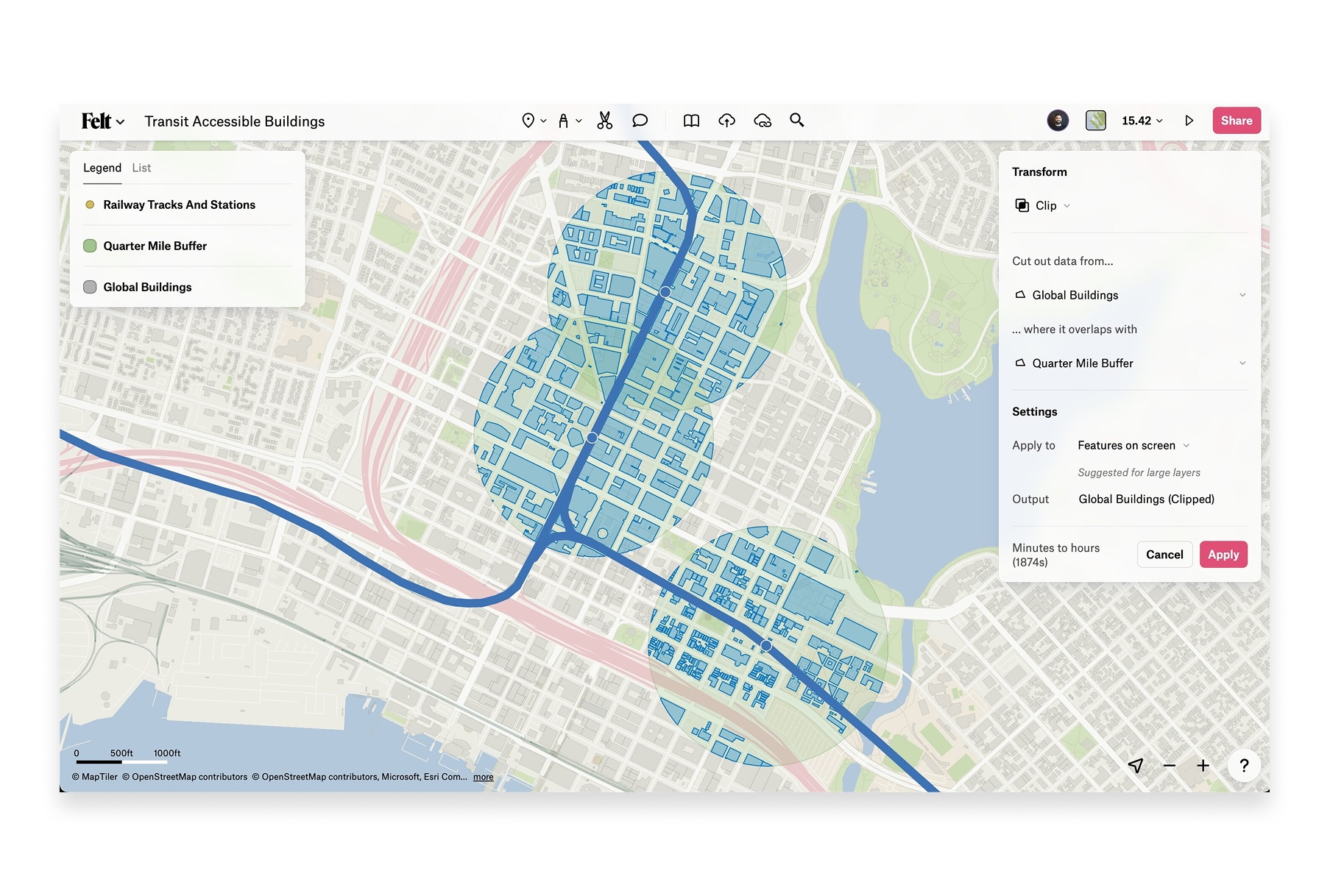
Felt is a browser-based collaborative mapping platform focused on making map creation accessible to everyone. It emphasizes real-time collaboration and easy sharing.
- Features: Real-time collaboration, drawing tools, data upload, embeddable maps, comments, and presentation mode.
- Best For: Teams needing simple collaborative mapping without GIS expertise.
- Pros: Very easy to use, real-time collaboration, clean interface, no installation.
- Cons: Limited free tier (can't upload data on free plan), basic analysis capabilities, requires paid plan for most useful features.
- Pricing: Limited free tier, Pro from $20/month.
- Website: Felt
How to Choose the Right GIS Software
The best GIS software depends on your specific needs:
- For collaborative team mapping: Atlas offers the best balance of power and accessibility, with real-time collaboration built in from the ground up.
- For enterprise GIS with maximum features: ArcGIS Pro remains the most comprehensive option, though at significant cost and complexity.
- For budget-conscious power users: QGIS provides professional-grade capabilities completely free.
- For developers building apps: Mapbox offers the best developer experience and APIs.
- For planetary-scale research: Google Earth Engine is unmatched for satellite imagery analysis.
- For quick data visualization: Kepler.gl handles large datasets beautifully with zero setup.
The Future of GIS is Cloud-Native
GIS software in 2026 has evolved beyond desktop-centric workflows. The most innovative platforms are cloud-native, enabling real-time collaboration, instant updates, and access from anywhere. While traditional desktop GIS still has its place for complex analytical work, modern teams increasingly need tools that match the speed and flexibility of their work.
Whether you're just getting started with spatial analysis or looking to modernize your GIS stack, there's never been more choice in capable, accessible mapping software. The key is finding the tool that fits your team's workflow—not forcing your team to adapt to outdated software.