Tableau Maps Alternative
A more interactive, shareable alternative to Tableau maps—built for standalone mapping, not just dashboards



Why teams want more than Tableau maps
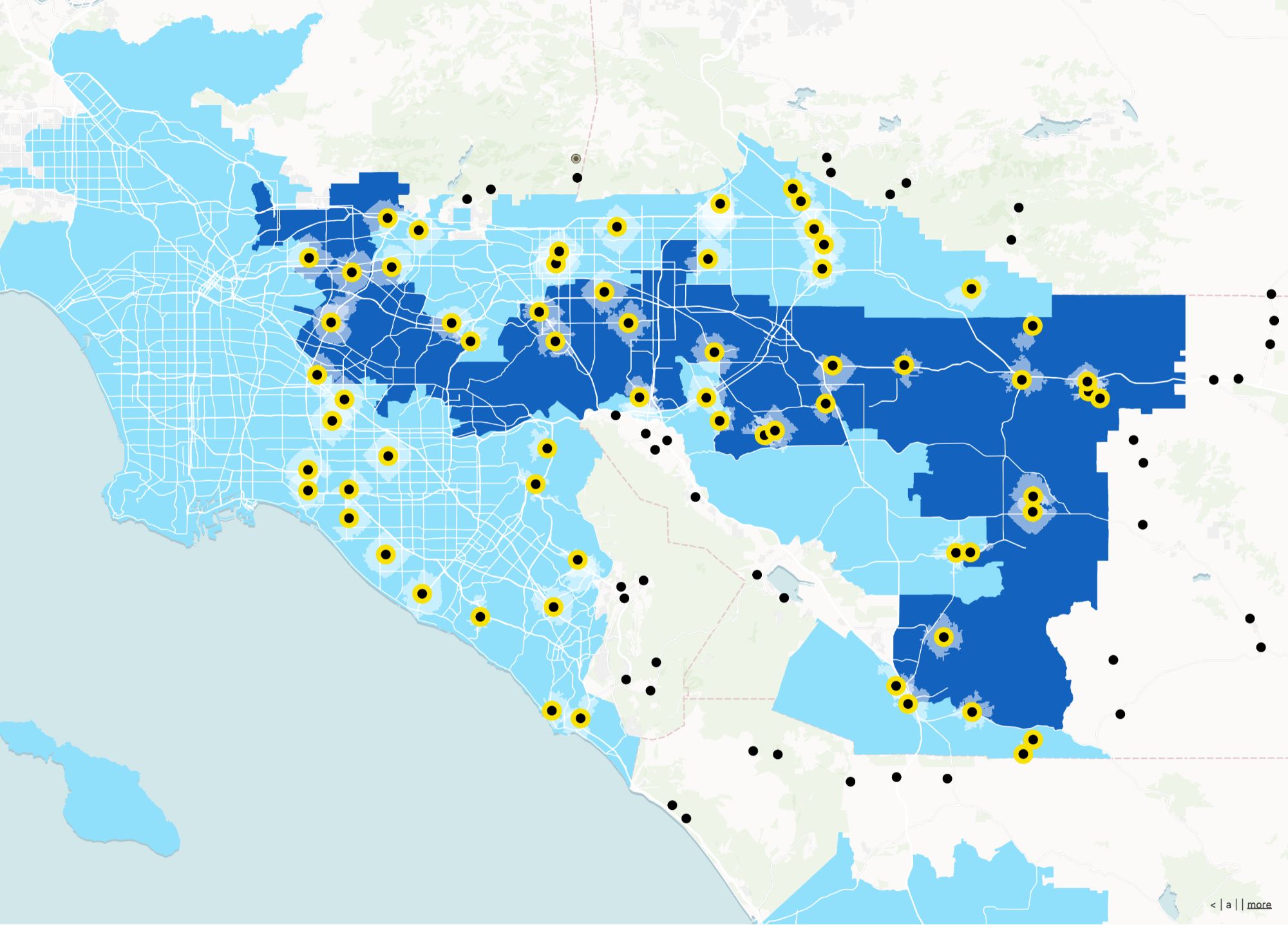
Tableau maps help you see KPIs geographically. Atlas is for when the map is the operational system—editable layers, field inputs, and shareable spatial apps.
Geospatial workflows
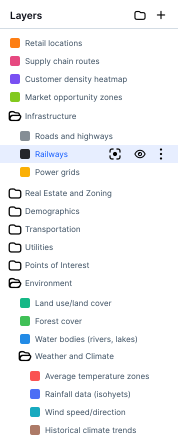
Purpose-built interactions beyond map marks on a dashboard.
Broader sharing
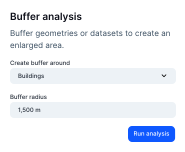
External stakeholders get a map experience without Tableau licenses.
Field + office loop
Close the gap between dashboard consumers and people updating locations.
Tableau Maps vs Atlas
Compare Tableau Maps and Atlas on core mapping and collaboration features.
| Feature | Tableau Maps | Atlas |
|---|---|---|
| Upload spreadsheets | ||
| Custom map styles | ||
| Add multiple layers | ||
| Interactive filters | ||
| Mobile-friendly maps | ||
| Real-time collaboration | ||
| Standalone web maps | ||
| Embed anywhere | ||
| Cloud-based | ||
| Free to use |
Create maps people can actually use
Atlas helps you build beautiful, interactive maps that are made to explore—not just stare at in a dashboard. No Tableau license needed.
Make your first map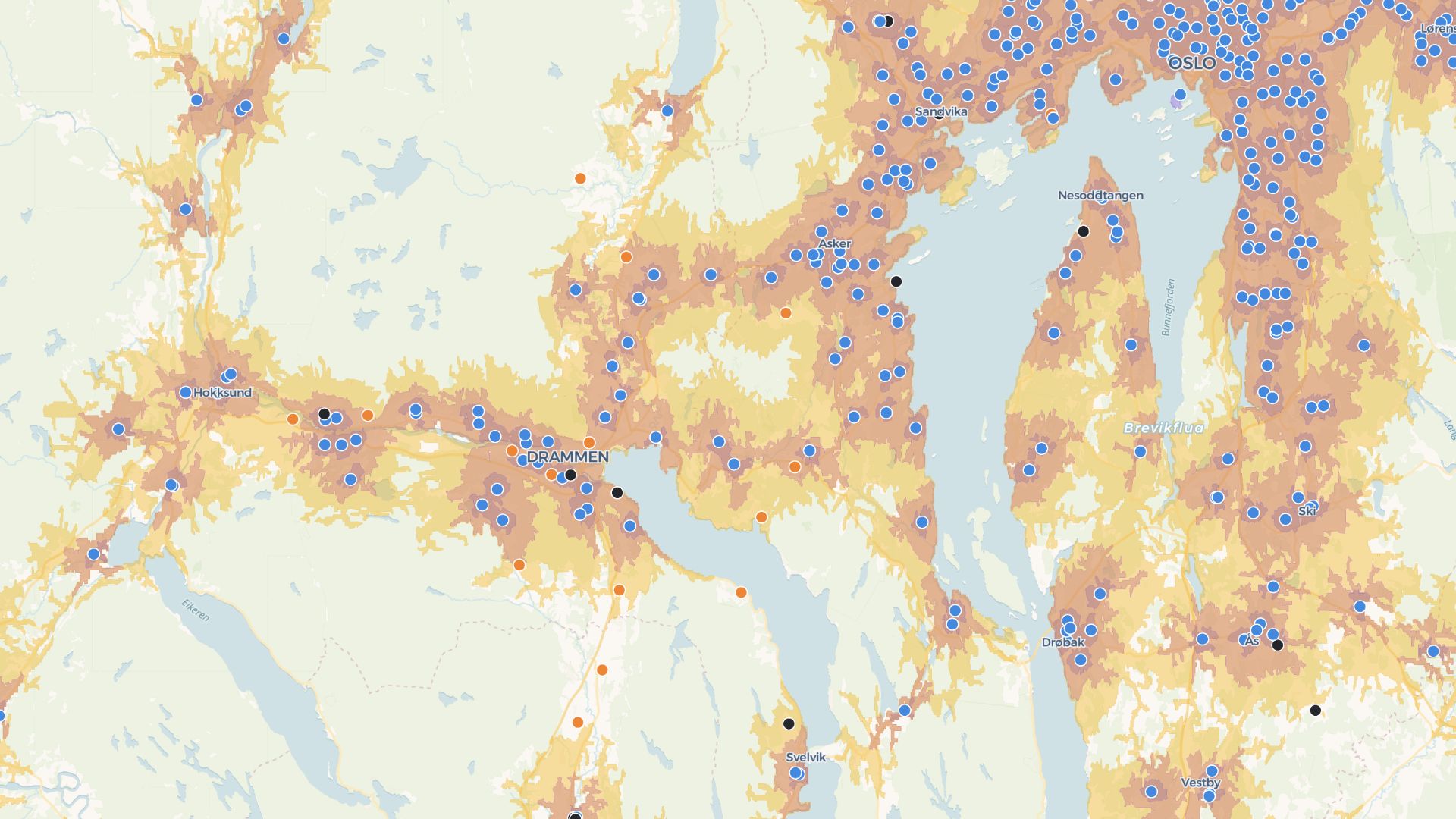
Build map-first tools and apps
Add filters, forms, and views to your maps. Atlas makes it easy to turn spatial insights into tools for your team or clients.
Build your first appWho uses Atlas alongside Tableau
BI teams
Hand off spatial exploration to a dedicated map layer.
Operations
Maintain locations outside the analytics tool.
Customer-facing analytics
Publish maps partners can actually use.
Maps as a system, not only a viz
Atlas complements BI: explore in Tableau, operate in Atlas.
Editable layers
Keep geodata current where decisions happen.
No-code apps
Filters and layouts for each use case.
Shareable URLs
Easy access for partners and customers.
Forms on the map
Capture ground truth from the field.
Team workspaces
Spatial projects with membership and history.
Embeds
Place maps inside existing portals.
Frequently asked questions
Answers for users switching from Tableau Maps to Atlas.
Do I need Tableau to use Atlas?
Can I embed maps in dashboards?
Can I upload my spreadsheet?
Can I make my map interactive?
Is it easier than Tableau?
Is Atlas free?

© Atlas 2026 / Your all-in-one map builder