Fulcrum Alternative
Fulcrum alternative for map-first field data collection with instant visibility for the office.



Why teams look at Atlas vs Fulcrum
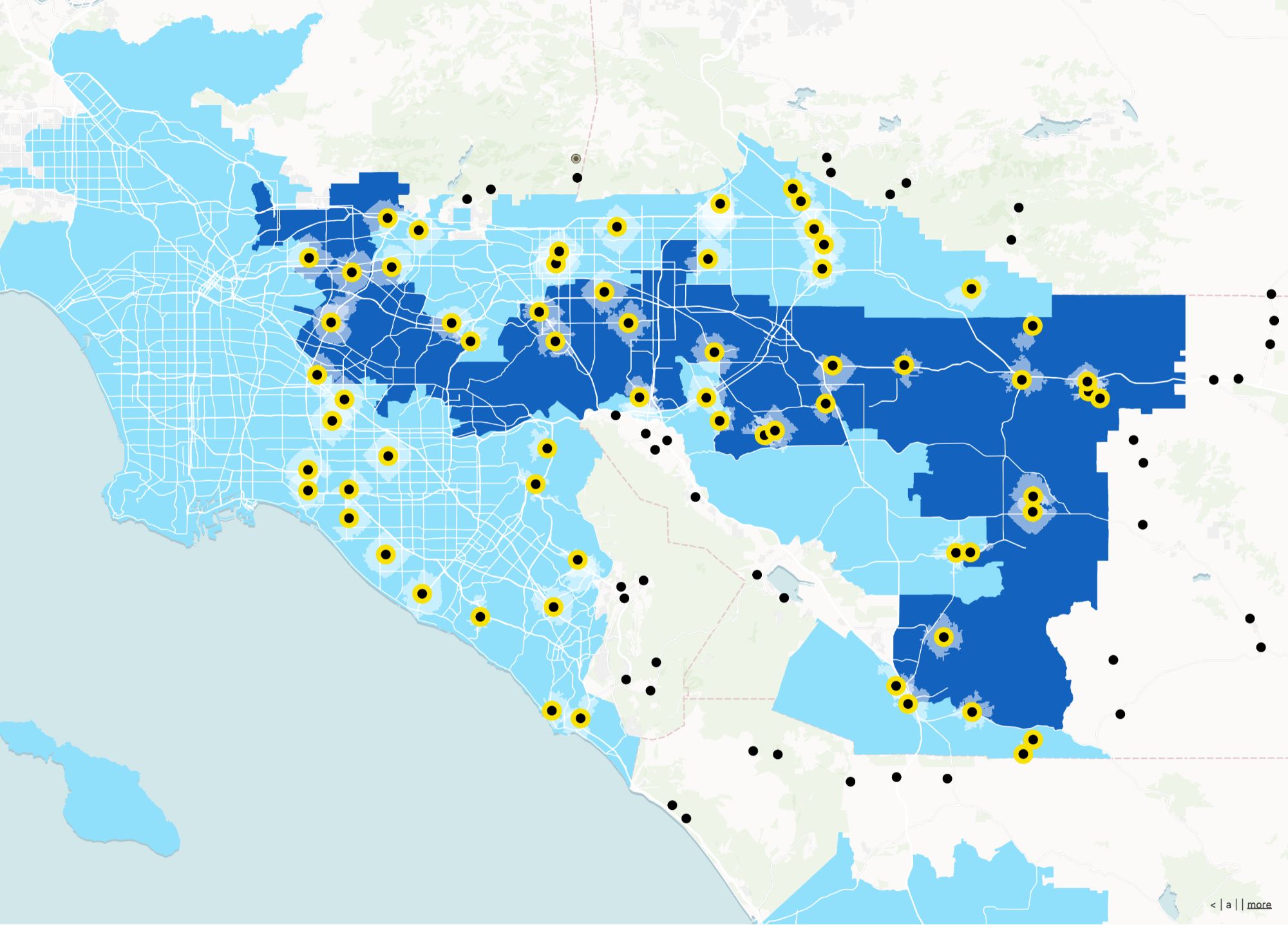
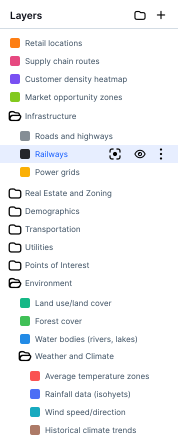
Fulcrum may fit part of your stack. Atlas is a collaborative web map platform—sharing, permissions, and no-code apps so GIS and non-GIS teammates work from the same live maps.
Speed to a shared map
Publish URLs stakeholders can open without installs or special training.
Collaboration by default
Multiple editors and reviewers on the same spatial project.
Apps beyond a static export
Filters, forms, and embeds people revisit weekly.
Offline field capture
Atlas now offers offline mode so your crews can collect data without connectivity and sync when signal returns.
Fulcrum vs Atlas
Compare Fulcrum and Atlas on core mapping and collaboration features.
| Feature | Fulcrum | Atlas |
|---|---|---|
| GPS / mobile data capture | ||
| Offline-first native apps | ||
| Browser-based (no app store) | ||
| Team sync & roles | ||
| Photo attachments & forms | ||
| Instant map updates for office |
Make maps with Fulcrum alternative
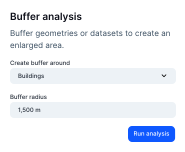
Atlas is a browser-based platform to turn your data into interactive maps—without desktop installs or GIS training. Upload layers, style them, and share live links your whole team can use.
Create your first map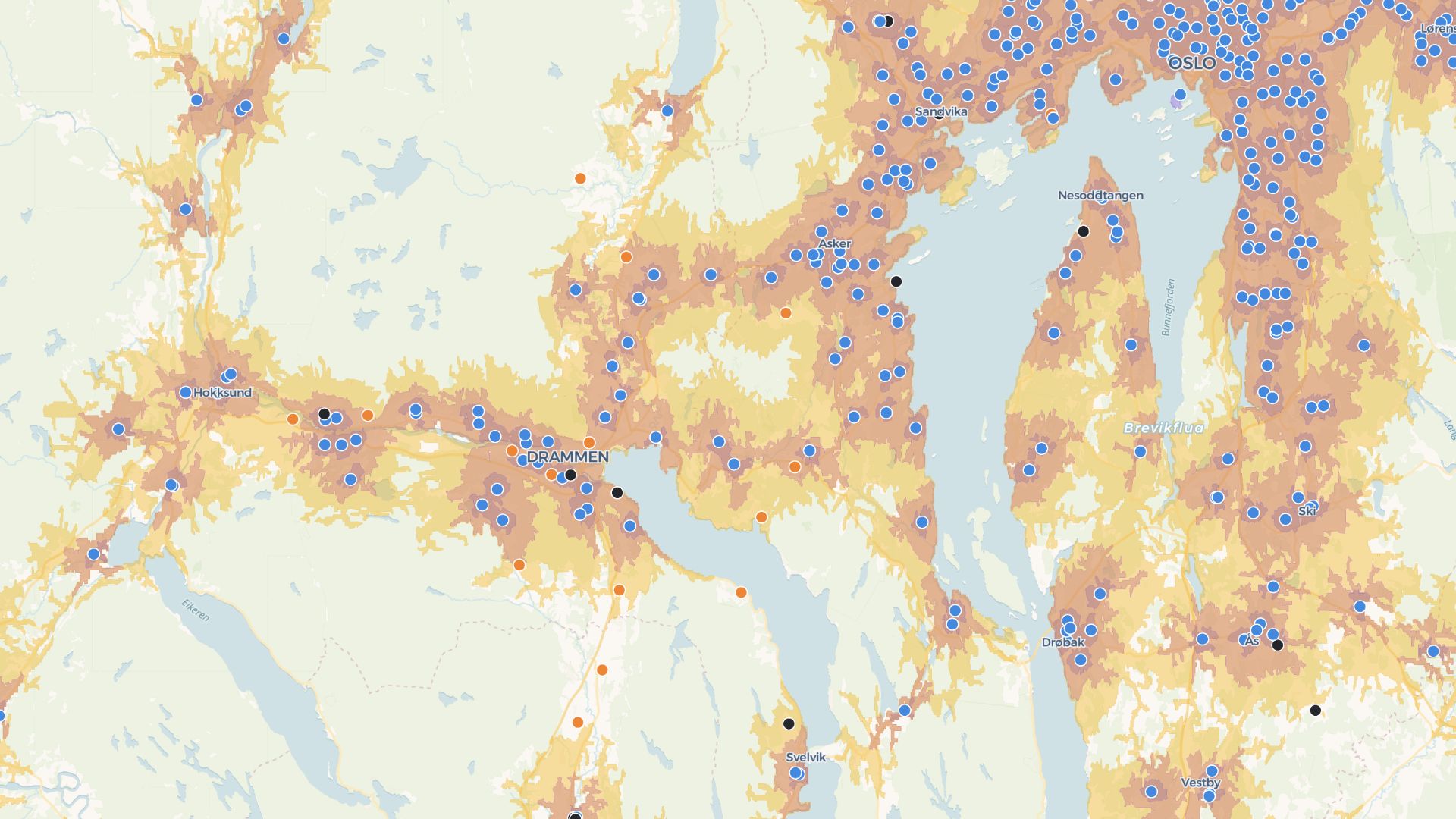
Build apps with your Fulcrum alternative
Go beyond static maps: build dashboards, forms, and embeddable tools with a no-code builder—so stakeholders can explore data without exporting shapefiles.
Build your first appWho uses Atlas instead of Fulcrum
Operations & programs
Living maps for assets, territories, and initiatives.
Cross-functional teams
Align data, GIS, and business roles in one workspace.
External stakeholders
Polished links and embeds for partners and customers.
What you get with Atlas
Collaborative web maps and lightweight spatial apps—an alternative path to Fulcrum for day-to-day teamwork.
Cloud workspace
Projects, layers, and history in one place.
Real-time collaboration
Edit together with clear access control.
No-code builder
Dashboards and filters without a dev cycle.
Sharing & embeds
Stable URLs for internal and external audiences.
Mobile web
From field staff to executives on any device.
Polished styling
Readable, on-brand map experiences.
Offline support
Works without internet—syncs when back online.
Frequently asked questions
Common questions about using Atlas as a Fulcrum alternative.
Do I need to install software?
Can I import my existing data?
How is Atlas different on collaboration?
Is there a free tier?

© Atlas 2026 / Your all-in-one map builder